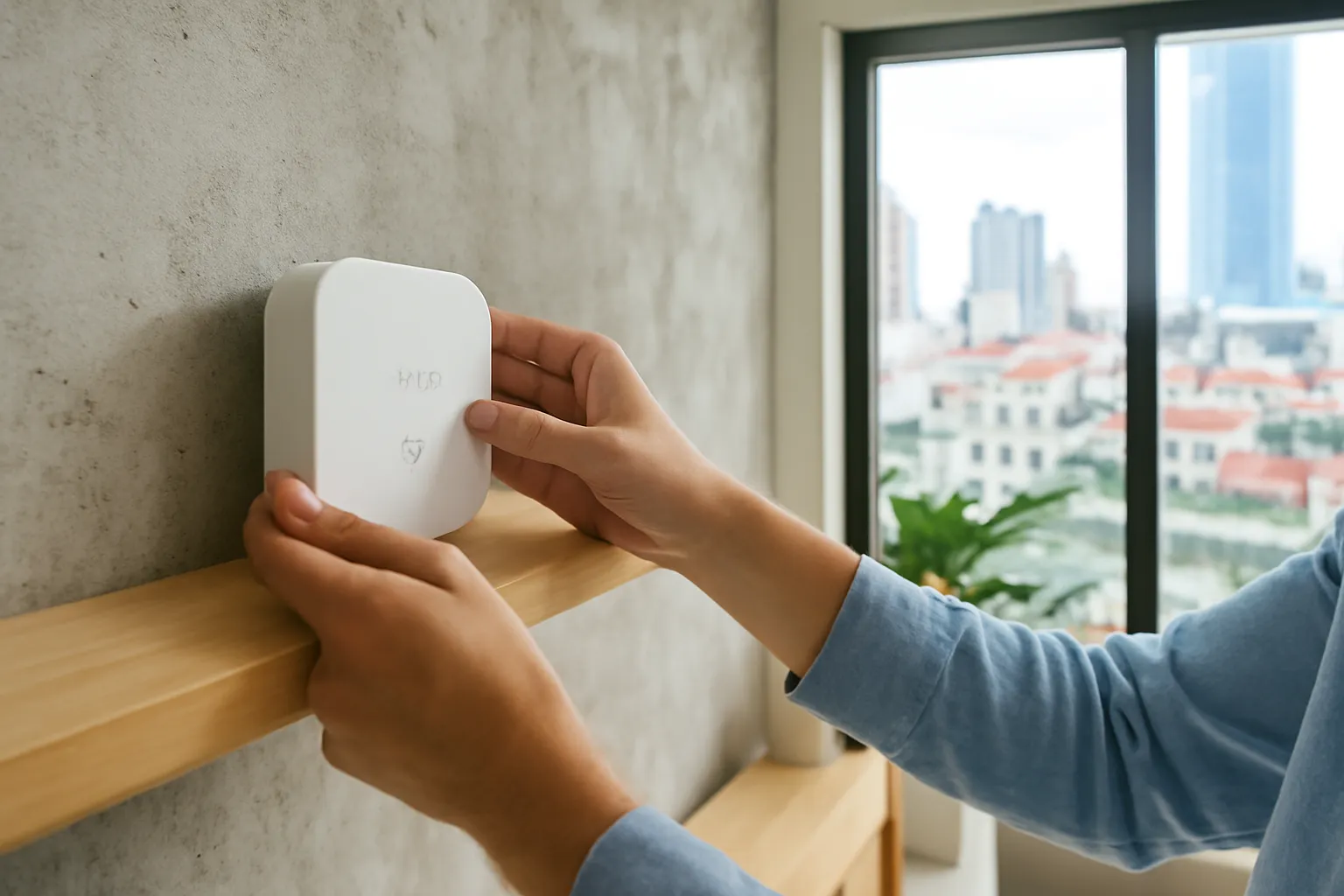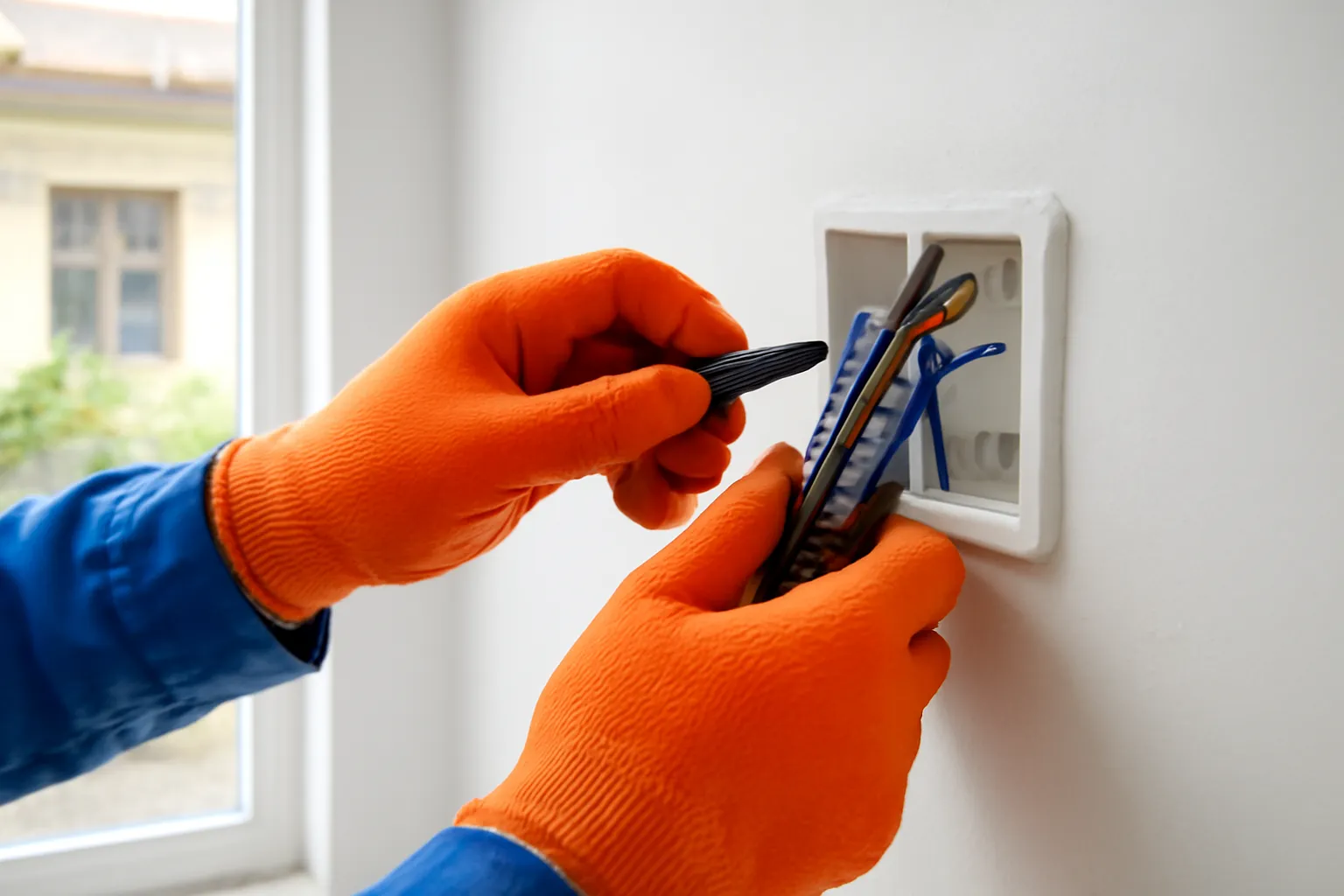
Before buying smart switches for a Vietnamese home, open one switch box (with the breaker off) or ask an electrician: many older houses only run the live wire through the switch, with no neutral, so switches that require a neutral will not work. No-neutral models exist but can flicker or glow faintly with low-power LED bulbs. For heavy loads like water heaters and air conditioners, use devices rated well above the appliance's power, or a contactor installed by a qualified electrician, never a small smart plug.
Smart switches are one of the most satisfying upgrades in a home, because they keep the wall switch that grandparents and guests understand while adding app and voice control. They are also the upgrade most likely to involve mains electricity, overheating and fire risk if chosen or installed carelessly.
Why the neutral wire question comes first
A normal switch is simple: it breaks the live wire to turn a light off. It needs no power for itself. A smart switch is a small computer with a radio, and it needs a little power all the time, even when the light is off, to listen for commands from the app.
The cleanest way to power it is with both live and neutral wires inside the switch box. Many newer apartments and recently rewired houses have them. Many older Vietnamese houses, and plenty of renovations done in a hurry, only bring the live wire to the switch and send the neutral straight to the light. Open the box and you may find just two wires.
No-neutral smart switches solve this by leaking a tiny current through the bulb to power themselves. With traditional bulbs that was invisible. With modern low-power LED bulbs, that tiny current can make the bulb glow faintly or flicker when it should be off. Manufacturers often sell a small bypass component that sits at the light fitting to fix this, which is another job for an electrician.
So the first step is not choosing a brand. It is finding out what wires you have. Turn off the breaker, unscrew one switch plate and look, or ask an electrician to check several boxes at once, since wiring can differ between rooms and floors.
Matching the device to the load
Read the rated current or power on every device. Each smart switch, relay and plug is rated for a maximum load. Stay comfortably below it, not right at the limit.
Lighting circuits are the easy case. Most smart wall switches are designed for lights. Check how many bulbs are on each gang and that LED bulbs are compatible.
Water heaters are a heavy load. A storage water heater draws a lot of power for long periods. Use a device explicitly rated for it, or a contactor controlled by a smart relay, installed by an electrician.
Air conditioners need special care. Cutting power to an air conditioner abruptly is not ideal. Many people control them through an infrared remote hub or the unit's own Wi-Fi module instead of switching power.
Pumps and motors have high start-up current. Water pumps on the roof or in the yard draw much more for a moment when starting. Choose relays rated for motor loads.
Ceiling fans need fan-specific controllers. Ordinary dimmers or light switches can damage fan motors or hum. Use controllers designed for fans.
Never daisy-chain smart plugs and extension leads. Plugging a heater into a smart plug on a cheap power strip multiplies the overheating risk.
Feel for heat in the first weeks. A switch plate or plug that becomes warm to the touch is a warning sign. Turn it off and have it checked.
Common situations and what usually works
A starting point for conversations with your electrician, not a substitute for one.
| Situation | Usually works | Watch out for |
|---|---|---|
| Switch box has live and neutral | Standard smart switches with neutral | Box depth; some smart switches are bulky |
| Switch box has only live | No-neutral switches, possibly with a bypass at the light | Flicker or faint glow with low-power LEDs |
| Two-way staircase switch | Smart switches that support two-way wiring, or a smart switch plus a wireless companion switch | Mixing brands; wrong wiring can leave one end dead |
| Bathroom or outdoor area | Switches placed outside the wet zone, or rated for humidity | Condensation and splashing; never install standard switches inside the shower area |
| Water heater or pump | Heavy-duty rated relay or contactor, installed in the electrical board | Undersized devices overheating; incorrect wiring |
| Renting, cannot change wiring | Smart bulbs, smart plugs for small loads, battery-powered wireless buttons | Smart bulbs lose control when the wall switch is turned off |
Installing safely, step by step
If you are not experienced with mains electricity, the only safe steps for you are the first and the last. Hand everything in between to a qualified electrician.
- Plan the circuits and loads. List each switch, what it controls, the number and type of bulbs, and any heavy appliances. Note which ones you want to automate.
- Switch off the correct breaker and test. Confirm with a voltage tester that the wires are dead. Labels on breaker panels are often wrong.
- Check the box and wiring. Confirm neutral availability, box depth and wire condition. Old, brittle insulation should be replaced, not reused.
- Install the device exactly as the manual shows. Terminals are labelled for live, neutral and load. Swapping them can damage the device or leave parts live when switched off.
- Check the residual current protection. Make sure the circuit has a working residual current device (often called an anti-shock breaker) and test it with its button.
- Restore power and pair. Pair the switch with the app, then test both the physical button and the app control several times.
- Watch the first weeks. Look out for flicker, warmth, buzzing or unexplained dropouts, and stop using any device that shows them.
The renter's and cautious owner's route
If you rent, or simply do not want to open walls, there is a lot you can do without touching wiring. Smart bulbs fit existing sockets and are controlled by app. Smart plugs work well for lamps, fans, rice cookers and chargers within their rating. Battery-powered wireless buttons can be stuck anywhere and trigger scenes.
The catch with smart bulbs is human: someone will turn off the wall switch out of habit, and the bulb becomes unreachable. A simple cover over the switch, or a wireless button mounted beside it, solves most of that. It is also worth explaining to family members and guests which switches to leave on.
Whichever route you take, buy from reputable sellers and look for safety certification relevant to Vietnam. Very cheap switches with no clear brand can use inadequate relays and plastics, which is exactly what you do not want inside a wall. Electrical fires often start quietly behind a switch plate.
Frequently asked questions
How do I know if my switch box has a neutral wire?
Turn off the breaker, remove the switch plate and look: a box with only two wires going to a single switch usually has no neutral. If unsure, ask an electrician to check, as colours are not always used consistently.
Why do my LED lights flicker with a smart switch?
No-neutral smart switches pass a small current through the bulb to power themselves, which can make low-power LEDs glow or flicker. A bypass component at the light, or a switch with neutral, usually fixes it.
Can I control a water heater with a smart plug?
Only if the device is explicitly rated for that load, and most small smart plugs are not. A heavy-duty relay or contactor installed by an electrician is the safer route.
Do smart switches work during an internet outage?
The physical button keeps working, and locally controlled systems may keep automations running. App control from outside the home usually stops until the connection returns.
Can I install smart switches myself?
Only if you are competent with mains wiring and local safety practice. For most people, planning the system yourself and having a qualified electrician install it is the safe balance.