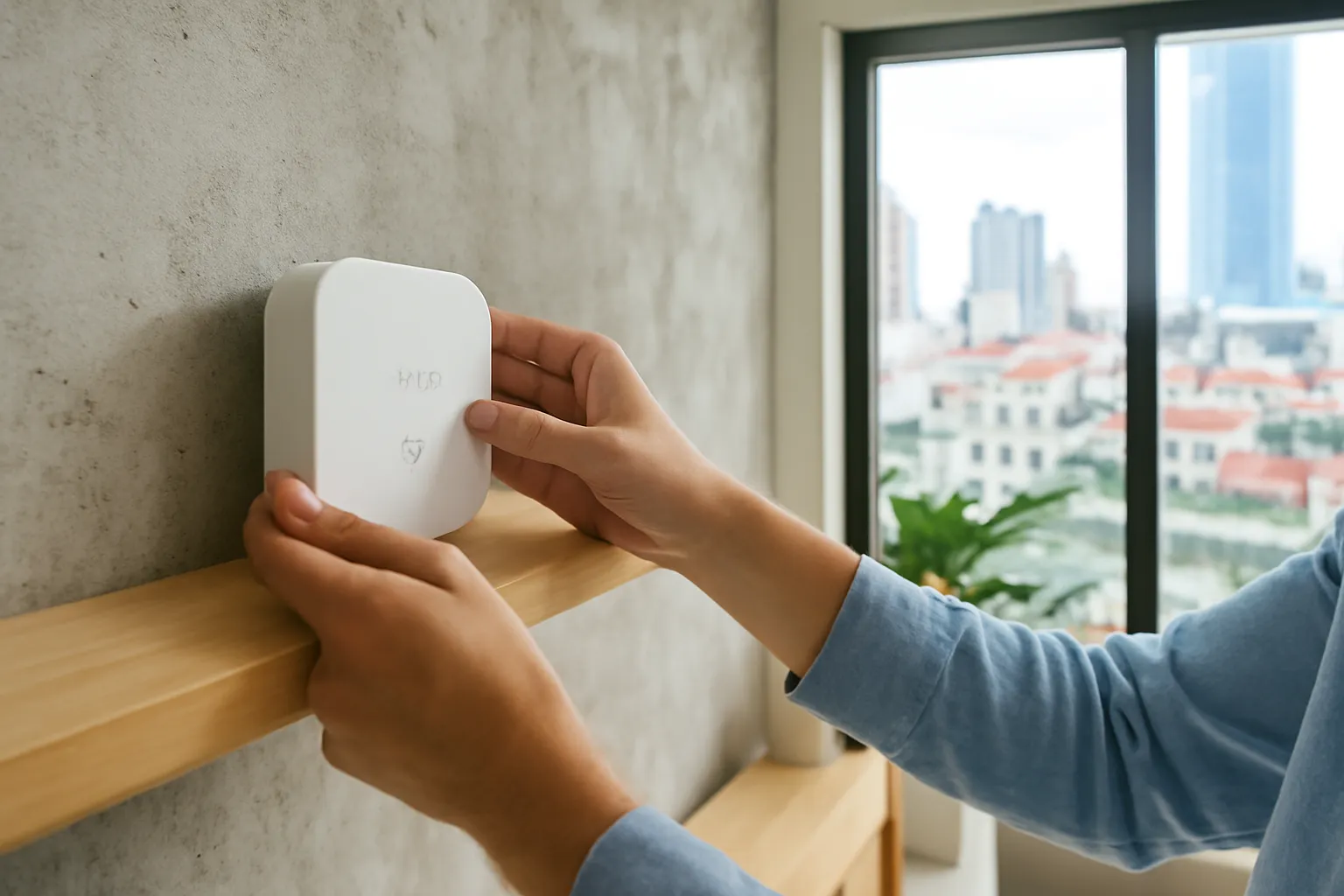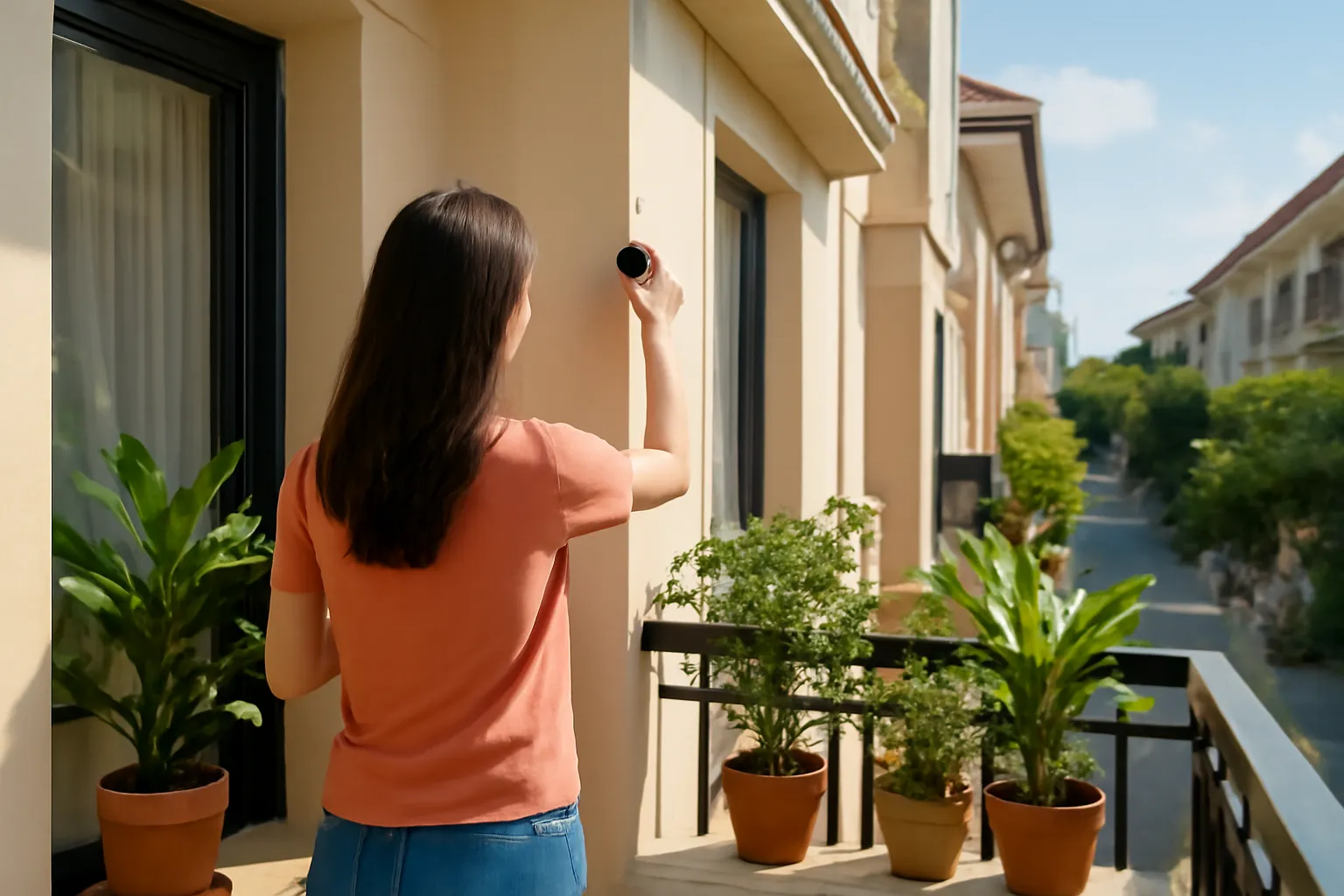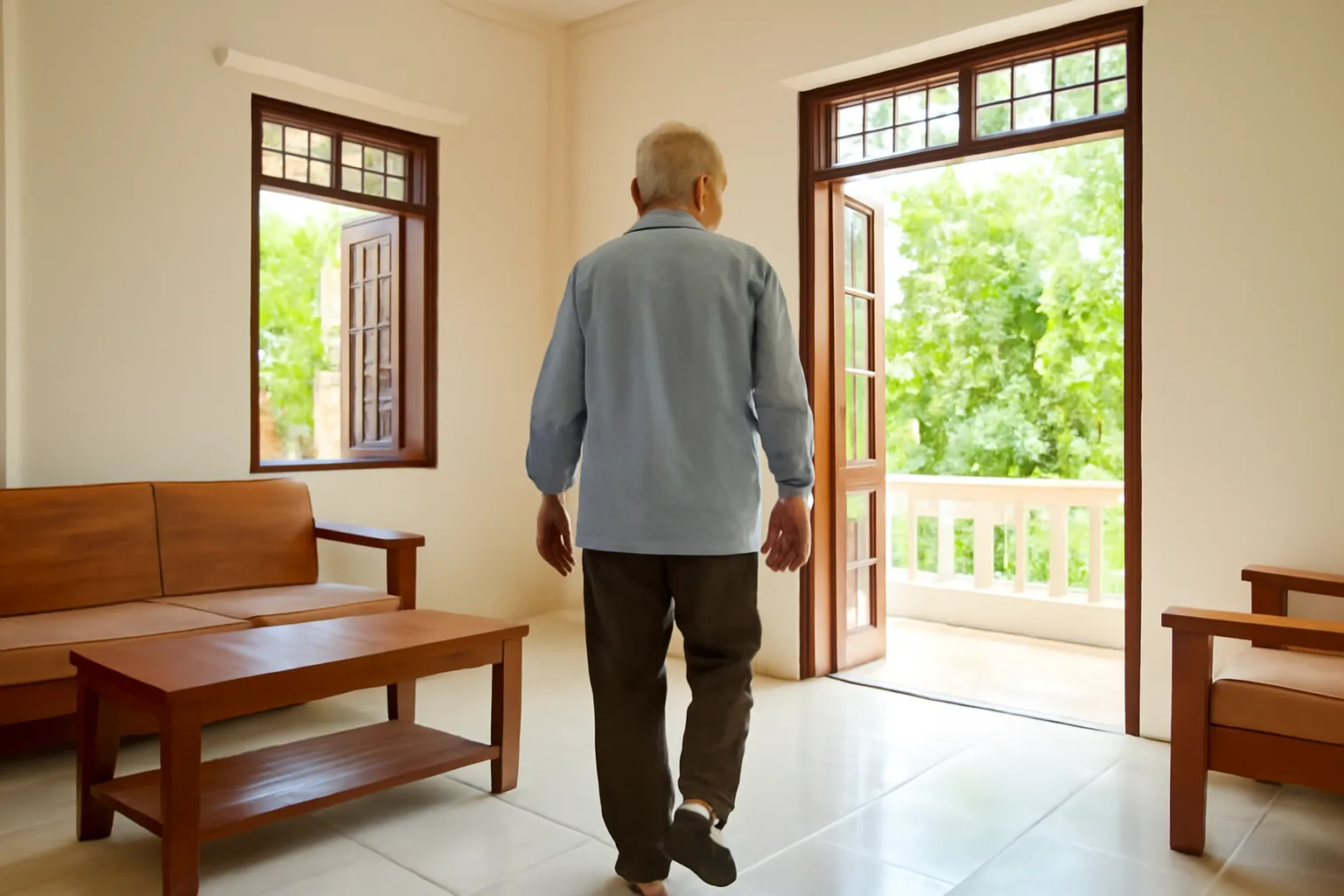
For an elderly parent living alone, the most useful smart setup is usually not cameras but a few quiet sensors: a door sensor, motion sensors in the main rooms, a smart plug on the kettle or rice cooker, a wearable or wall-mounted call button, and smoke and water-leak alarms. Together they let family notice when the normal daily rhythm breaks, such as no movement by mid-morning, without watching your parent all day. Agree on it together first, and decide who actually responds when an alert arrives.
Many families start in the wrong place: a camera in the living room, installed during a visit, that the parent quietly unplugs a week later. The goal is not surveillance. It is a light safety net that respects the person living in the house and gets help there faster when something genuinely goes wrong.
What families are really trying to solve
Children who live in another city or abroad tend to worry about one scenario above all: a parent falls or becomes ill, cannot reach the phone, and nobody knows for hours or days. Daily phone calls help, but a call at seven in the evening does not help if something happened at eight in the morning.
Smart sensors address this by watching patterns rather than people. Your father usually opens the front door by six to sweep the yard, boils water by half past six and moves between the kitchen and the living room through the morning. If none of that has happened by nine, something is probably different. An alert at that point lets a neighbour knock on the door within minutes rather than hours.
This approach also protects dignity. There is no image of your mother in her nightclothes, no recording of private conversations, only a quiet record that the house is living its normal day. Many older people who refuse cameras accept sensors once they understand what is, and is not, recorded.
Be realistic about what sensors cannot do. They do not diagnose illness, they do not prevent falls, and they cannot replace regular visits or a doctor's care. They shorten the time between something going wrong and someone finding out.
Sensors and devices that actually help
Door contact sensors. Small magnetic sensors on the front door and the fridge show that the day has started and that meals are happening.
Motion sensors in main rooms. Placed in the kitchen, living room and the corridor to the bathroom, they build a picture of normal movement without images.
A smart plug on a daily appliance. Power use on the kettle, rice cooker or TV is a reassuring sign of routine, and needs no new habit from your parent.
Presence sensors for the bathroom. Radar-based presence sensors detect a person without a camera and can alert if someone has been in the bathroom unusually long. Accuracy varies, so test it.
A call button, worn or wall-mounted. A simple button that calls or messages several family members. Wearable ones help if a fall happens away from the phone.
Fall-detection wearables. Some watches and pendants can detect hard falls and call for help. They miss some falls and raise some false alarms, and they only help if worn.
Smoke, gas and water-leak alarms. Kitchens and bathrooms are where many household accidents start. Connected alarms alert family even when the parent does not hear the beep.
Night lights triggered by motion. Low lights along the path to the bathroom are a small, practical step for reducing night-time falls.
A 4G router where there is no Wi-Fi. Many parents' homes have no internet. A small mobile router gives the sensors a connection without a fixed line.
Consent, dignity and the conversation to have first
Start with a conversation, not a box of devices. Explain what worries you, what each sensor does and, just as important, what it does not do. Show your parent the app so they can see that it records "front door opened at 6:05" and nothing more. Ask what they are comfortable with. Some will happily accept a door sensor but not one in the bedroom.
Respect the answer. A system installed against someone's wishes tends to be unplugged, ignored or resented, and the relationship suffers. A smaller setup that your parent agreed to is worth more than a complete one they resent. If a parent has memory problems or difficulty deciding, involve other family members and, where appropriate, their doctor in the discussion.
Agree on what happens when an alert arrives. Who gets it? Who calls first? Which neighbour has a spare key? A sensor alert sent to a child in another country at 9 a.m. is useless if nobody nearby can go and check. Write the plan down and share it with everyone involved.
Finally, decide how much detail family members see. Many apps can share only alerts, not the full activity log, with some relatives. Less detail often means less family conflict about how a parent spends their day.
Setting it up without a technician
A basic system can be installed during one visit home. Leave enough time to test it before you leave.
- Choose one app and one ecosystem. Pick a platform the family already uses or that a younger relative nearby can help with. Avoid mixing several apps.
- Check the connection in your parent's house. If there is no reliable Wi-Fi, install a 4G router first and test coverage in every room you plan to monitor.
- Install sensors and the call button. Mount door sensors, motion sensors and plugs, and show your parent how the call button works with a real test call.
- Set simple routines and alerts. For example, an alert if there is no movement by a set time, or if the bathroom presence sensor shows an unusually long stay.
- Run the system for a week before relying on it. Adjust times to your parent's real habits and fix false alarms before they make everyone ignore alerts.
- Write the response plan. List who receives alerts, who calls, who visits and where the spare key is, and share it with all involved.
Batteries in sensors need replacing from time to time, and apps send low-battery warnings. Assign that job to someone specific so it actually happens.
Mistakes that make families give up
Starting with cameras. Cameras feel intrusive to many older people and often end up switched off. Sensors are a gentler first step.
Too many alerts. If every small variation triggers a notification, family members soon mute the app. Tune alerts to genuine concerns.
No one nearby to respond. Alerts without a local responder only create anxiety. A trusted neighbour or relative nearby is essential.
Assuming the wearable is always worn. Many people take watches off at night or in the shower, exactly when falls are common. Pair wearables with room sensors.
Forgetting batteries and internet bills. A dead battery or an expired mobile data plan silently switches the safety net off.
Treating devices as medical care. Sensors do not replace check-ups. If you notice changes in patterns, talk to your parent and their doctor.
Setting it up and never visiting. Technology supports family care; it does not replace the visit, the meal together or the phone call.
Frequently asked questions
Are fall-detection watches reliable?
They catch many hard falls but can miss slow slides and occasionally raise false alarms, and they only work if worn. Combine them with room sensors and a call button rather than relying on one device.
Can sensors work without Wi-Fi at my parents' house?
Most need an internet connection to send alerts, but a small 4G mobile router provides one without a fixed line. Some call buttons have their own SIM card.
Is it ethical to monitor an elderly parent?
It is reasonable when the parent understands and agrees, the system records only what is needed, and the purpose is getting help quickly. Monitoring without consent damages trust and often fails anyway.
What should happen when an alert goes off?
Call your parent first; if there is no answer, ask the nearest neighbour or relative with a key to check in person. If there is any sign of a medical emergency, call 115 immediately.
Do these devices replace a carer?
No. They help detect problems sooner, but they do not provide daily help, company or medical care. If a parent needs regular assistance, discuss care options with family and their doctor.