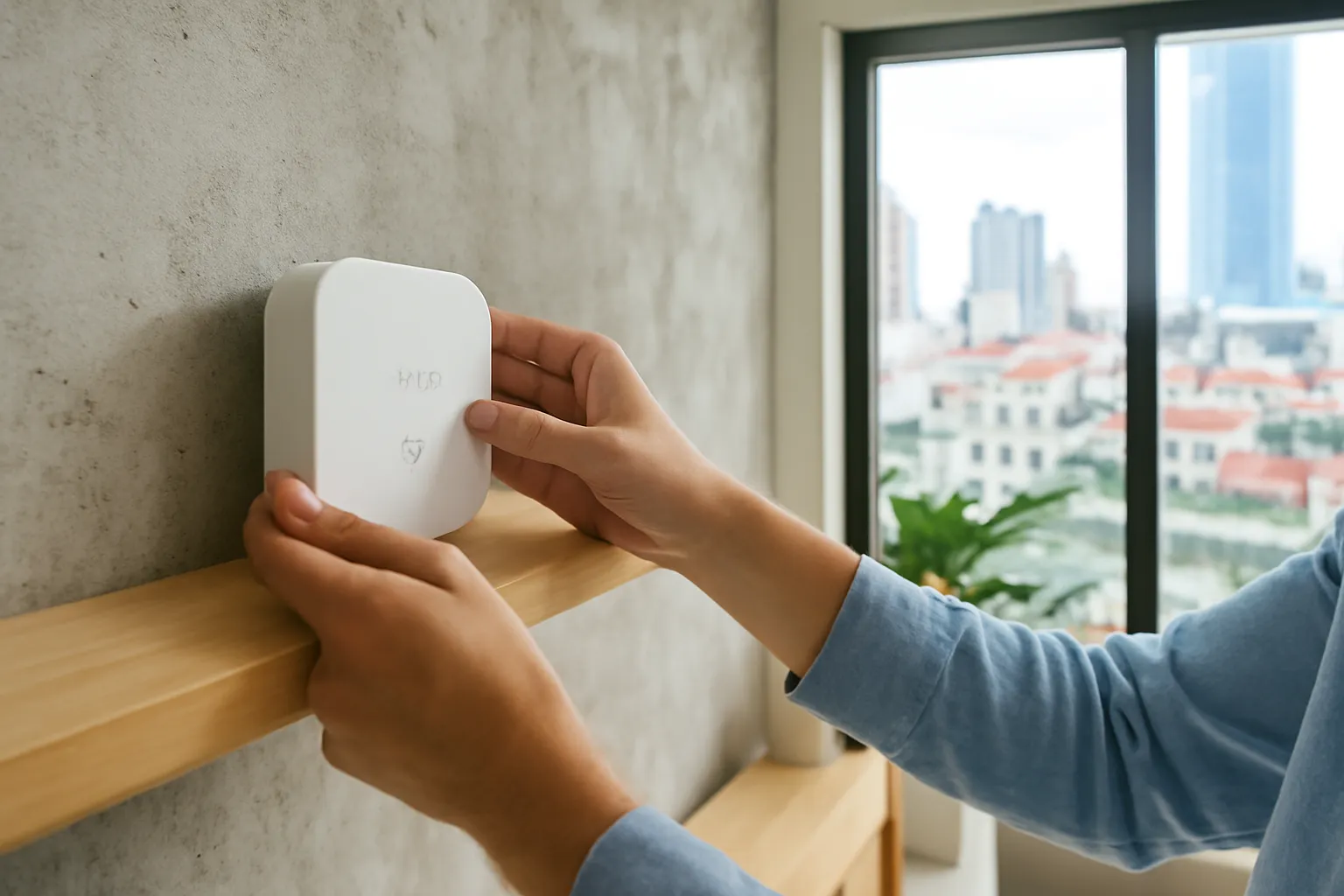
For most homes, Wi-Fi suits devices that need a lot of data or plug into power, such as cameras and appliances, while a low-power mesh, Zigbee or Thread, suits small battery sensors and switches, because each mains-powered device relays the signal to the next. Matter is not a radio but a common language that lets devices from different brands work in one app; check that a product lists Matter and which radio it uses. In concrete Vietnamese apartments and narrow multi-storey townhouses, the deciding factor is usually coverage, not brand.
Most smart home disappointment comes from a mismatch: thirty Wi-Fi bulbs overloading a basic router, a door sensor on the third floor out of reach of a hub on the ground floor, or a family that bought devices from three ecosystems and now juggles three apps. Picking the right connection type at the start avoids all three.
Why the connection type matters more than the brand
A smart device is only as useful as its connection. A motion sensor that drops offline twice a week is worse than no sensor, because you stop trusting it. Lights that respond three seconds late feel broken. Most of these problems trace back to how the device talks to the rest of the home, not to the device itself.
Different radios make different trade-offs between range, power use, speed and how many devices they can handle. Wi-Fi is fast and everywhere, but it is power-hungry and every device adds load to your router. Low-power mesh networks such as Zigbee and Thread use little energy, so a sensor can run on a coin battery for a long time, and they get stronger as you add mains-powered devices that relay messages. Bluetooth is simple and good for nearby control from a phone, but range is short.
Vietnamese homes add their own twist. Reinforced concrete walls and floors absorb radio signals. A typical tube house stacks four or five narrow floors, so the router on the ground floor may barely reach the top bedroom. Apartments in tall buildings are surrounded by dozens of neighbours' Wi-Fi networks on the same channels. A plan that ignores these conditions will disappoint, whichever brand is on the box.
Common smart home connections at a glance
This is a practical comparison for households, not a technical specification. Product support varies, so read the box.
| Connection | Best for | Needs a hub? | Watch out for |
|---|---|---|---|
| Wi-Fi | Cameras, robot vacuums, air purifiers, appliances, plug-in devices | No, connects to your router | Router overload with many devices; most cheap devices only support 2.4 GHz |
| Zigbee | Battery sensors, switches, bulbs, curtain motors | Yes, a Zigbee hub or gateway | Brands may not mix well without a common hub; needs mains devices to relay |
| Thread | Newer sensors, locks, switches, often with Matter | Yes, a Thread border router, often built into smart speakers or hubs | Still fewer products in local shops; check compatibility |
| Bluetooth | Locks, scales, single devices controlled nearby | Not for phone control; yes for remote access | Short range through concrete walls |
| Matter (the language, not a radio) | Making devices work across ecosystems and apps | Depends on the radio underneath | Not every feature of a device is exposed through Matter |
Z-Wave, popular in some markets, uses different frequencies in different regions and is less common in Vietnamese stores; if you consider it, make sure the device is the version made for Vietnam's permitted band.
What Matter actually changes, and what it does not
For years, buying a smart home device meant picking a camp. A sensor made for one platform often could not be seen by another, so families ended up with several apps and automations that could not talk to each other. Matter is an industry standard backed by many large companies that defines a common way for devices to describe themselves and be controlled.
In practice, a Matter device can usually be added to more than one platform at the same time, and much of its control can happen locally inside your home network rather than through a distant cloud server. That makes automations faster and keeps basic functions working when the internet is down.
Matter is not magic, though. It runs over Wi-Fi, Thread or Ethernet, so the radio questions in this guide still apply. Not every advanced feature of a device is available through Matter, and some products need a firmware update before they support it. Treat "works with Matter" as a strong point in a product's favour, not as a guarantee that everything will work identically everywhere.
Getting reliable coverage in concrete homes
Map your floors before buying. Walk around with your phone and note where Wi-Fi is weak. Those spots will also be weak for smart devices.
Use a mesh Wi-Fi system or wired access points in tall houses. One router on the ground floor rarely covers a four-storey townhouse. A unit per floor, ideally linked by cable, solves most dropouts.
Place hubs centrally, not in a cabinet. A Zigbee or Thread hub hidden inside a metal cabinet or behind the TV loses much of its range.
Add mains-powered mesh devices to bridge gaps. Smart plugs or wired switches on the stairs act as relays, carrying signals between floors for battery sensors.
Keep 2.4 GHz available. Many devices only connect on 2.4 GHz. Some routers combine bands under one name, which can confuse setup; a separate 2.4 GHz network often helps.
Watch the device count on your router. Basic routers supplied with internet plans can struggle once dozens of devices connect. If things become unstable, a better router or access point is cheaper than replacing devices.
Reduce interference in apartments. Your router app can usually show crowded channels. Choosing a quieter channel improves both Wi-Fi and the mesh networks that share the 2.4 GHz band.
Test before you install permanently. Pair a device where it will live and leave it for a few days before drilling or wiring anything.
Choosing an ecosystem without regretting it
Decide which app the household will use daily. If grandparents and children will press buttons too, simplicity in one app matters more than any spec.
Prefer products that support Matter when possible. They keep your options open if you change platforms later.
Check local support and warranty. A device bought abroad may lack local service, use a different plug, or have firmware for another region.
Avoid no-name devices that require obscure apps. If the company disappears, the cloud service may stop and the device becomes a brick.
Look for local control. Devices that keep working when the internet is down are more reliable during outages, which matter in storm season.
Buy a few devices first. Live with two or three for a month before equipping the whole house.
Keep a simple list of what you own. Note each device, its location, connection type and account. It saves hours when something breaks or when you move.
Frequently asked questions
Do I need a hub for a smart home?
Not if you only use Wi-Fi devices, but Zigbee and Thread devices need a hub or border router. Many people end up with one because battery sensors work far better on a mesh.
Is Matter the same as Thread?
No. Thread is a low-power mesh radio network; Matter is the common language devices speak, and it can run over Thread, Wi-Fi or Ethernet.
Why won't my smart device connect to my 5 GHz Wi-Fi?
Most small smart devices only support 2.4 GHz, which travels further and uses less power. Make sure your router offers a 2.4 GHz network during setup.
Can Zigbee devices from different brands work together?
Often, but not always, because brands may add their own features. Check that the hub lists the specific device, or prefer Matter-certified products.
What happens to my smart home if the internet goes down?
Devices that rely on a cloud service may stop responding to the app, while locally controlled devices and Matter automations often keep working. Physical switches remain the most reliable backup.