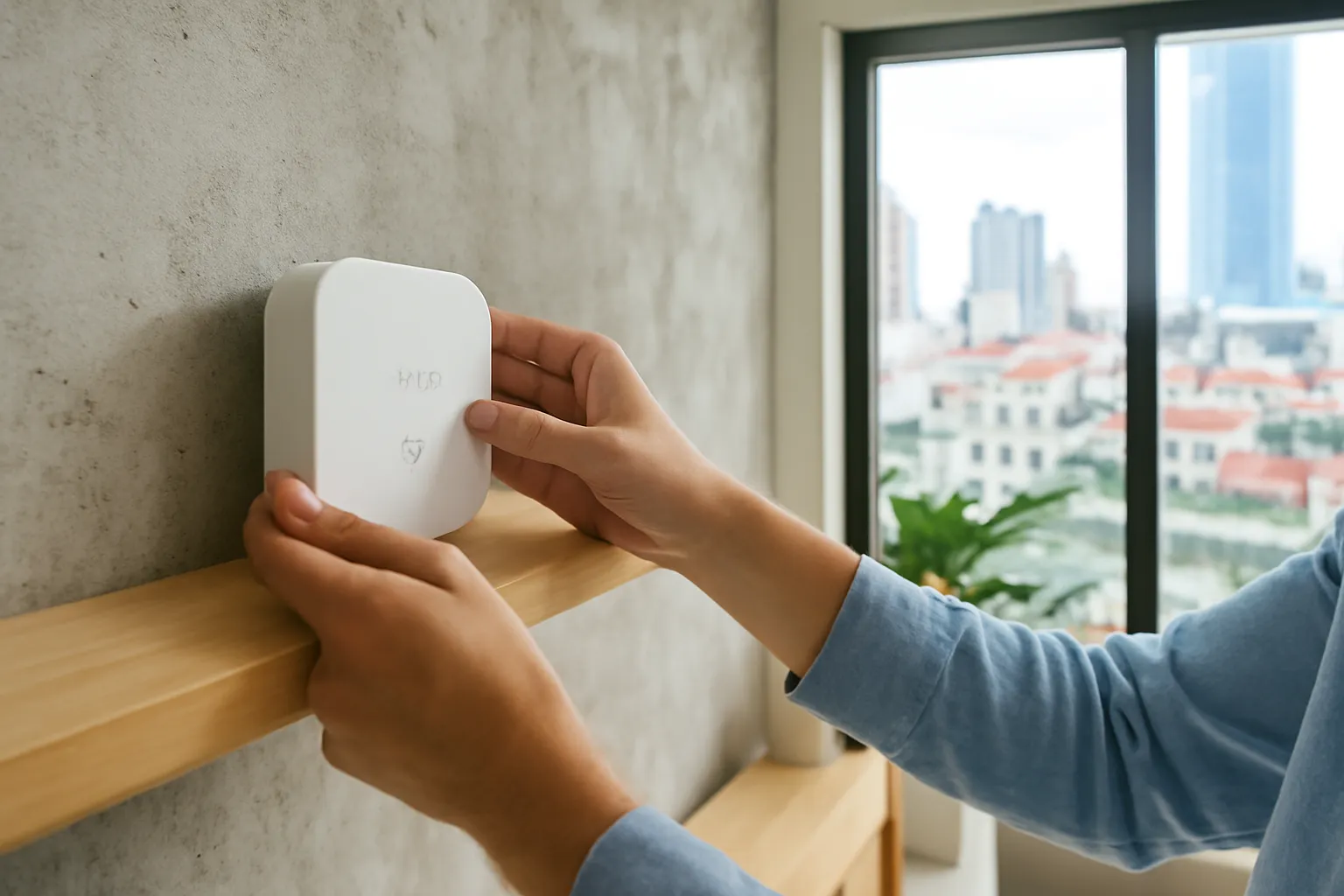
To set up a home security camera safely, buy from a brand that still issues updates, change the default password and turn on two-factor login for the camera app, update the firmware, put the camera on a separate guest or IoT network, switch off remote features you do not use, and point it only at your own property. Decide consciously whether recordings stay on a memory card at home or go to the cloud, because each choice has its own privacy trade-off.
Cameras are the most sensitive smart device most families own. A hijacked bulb is a nuisance; a hijacked camera shows strangers your children's bedroom or tells burglars when the house is empty. The steps below take less than an hour and close the doors that most real-world camera leaks walk through.
How home cameras actually get exposed
Stories about hacked cameras make it sound like elite hackers target individual homes. The reality is more mundane. Most exposures come from automated tools that scan the internet for devices still using factory passwords, from camera accounts protected by a password the owner also uses on a leaked website, and from old firmware with known holes that the manufacturer fixed years ago.
A second category is human rather than technical. A relative who once had access to the app still has it after moving out. A technician who installed the system kept the admin login. A shared family account means every phone that has ever logged in can still watch. None of this requires any hacking at all.
Finally, some exposures come from cheap devices that phone home to servers with weak security, or whose app asks for far more phone permissions than it needs. Because the camera itself is usually fine, owners never suspect the weak link is the company behind it.
Understanding these routes is reassuring, because each has a simple fix. The rest of this guide goes through them in order.
Securing a new camera, step by step
Do this on the day you install the camera, before you mount it permanently.
- Buy from a brand with a track record of updates. Look at whether the manufacturer publishes firmware updates and security notices. A camera that never gets updates only gets weaker.
- Download the app from the official store. Check the developer name matches the manufacturer. Avoid apps sent as links or files.
- Change every default password. Both the camera's own login, if it has one, and the app account. Use a long, unique password stored in a password manager.
- Turn on two-factor login for the account. Use an authenticator app if offered. This alone blocks most account takeovers from leaked passwords.
- Update the firmware immediately. Cameras often sit in warehouses for months. Install pending updates, then enable automatic updates if available.
- Put the camera on a guest or IoT network. Most modern routers can create a separate network. If the camera is ever compromised, it cannot easily reach your laptops and phones.
- Disable features you will not use. Remote port access, old sharing links, open streaming protocols and unused microphones all add exposure.
- Name the camera neutrally. "Living room" or "Gate" is fine; avoid names that reveal your family's routines or your address.
Cloud or memory card: choosing where recordings live
Memory card in the camera. Recordings stay in your home with no subscription. But if a burglar takes the camera, they take the evidence too.
A recorder box (NVR) hidden elsewhere in the house. Keeps footage local and survives a stolen camera. Requires more setup and its own password and updates.
Cloud storage. Footage survives theft and is easy to view, but it sits on the company's servers. Check where they are and whether the company encrypts recordings.
End-to-end encrypted cloud options. Some services encrypt video so only your devices can view it. This is stronger privacy but may disable some features like web viewing.
Retention period. Keep recordings only as long as you actually need them. Older footage is more data to lose if something leaks.
Who can view. Use the app's sharing feature to give each family member their own access, which you can revoke, rather than sharing one login.
Offline behaviour. Find out what the camera does when the internet is down. Many continue recording to the card and upload later.
Exporting evidence. Learn how to download a clip before you need one. After a break-in, the police may ask for footage with accurate timestamps.
Pointing the camera respectfully
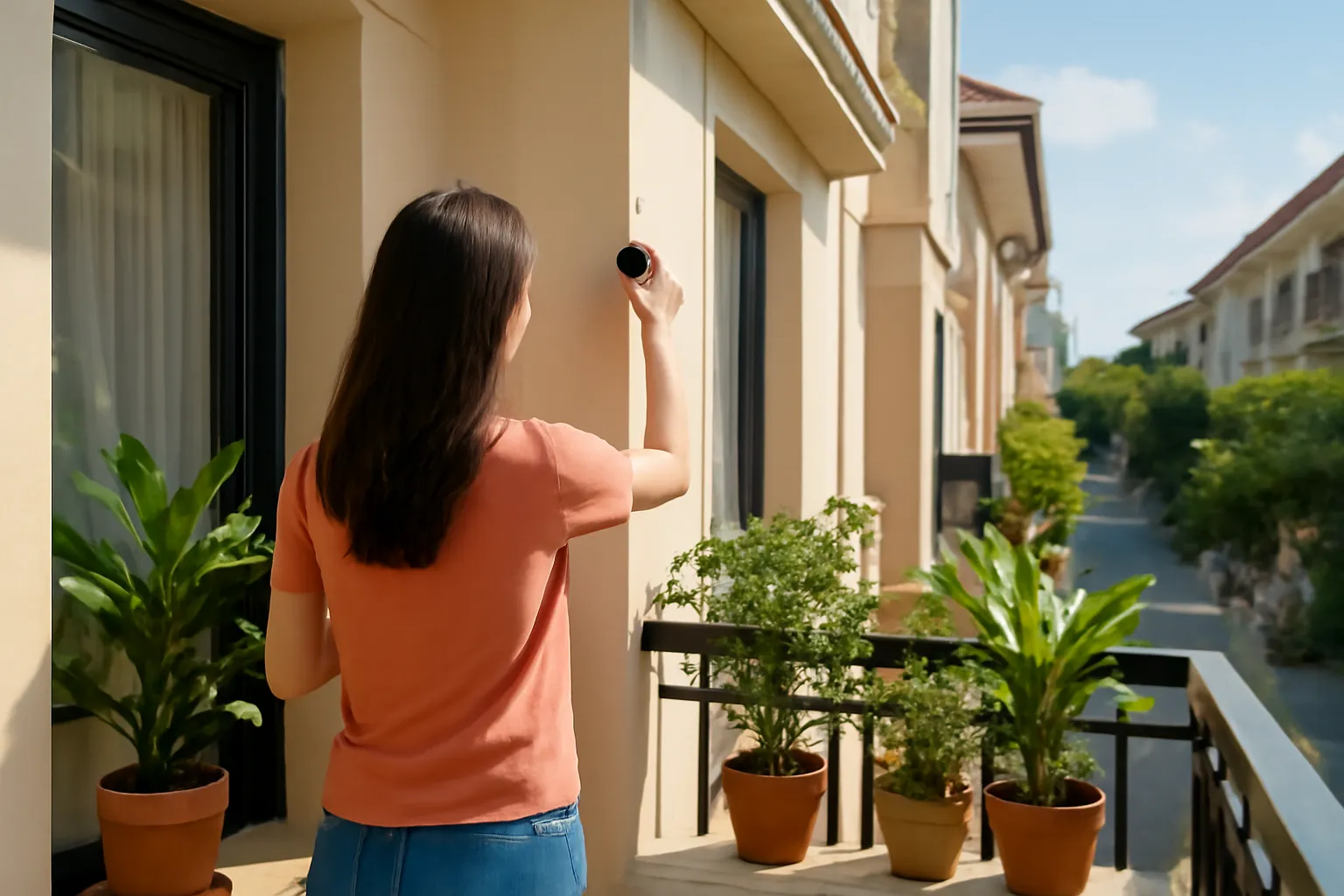
A camera is a privacy decision as well as a security one. Aim it at your own gate, door, yard or shop counter, not at the neighbour's windows, the shared corridor in front of other flats, or the street in a way that records passers-by in detail. In dense urban neighbourhoods, a camera on a balcony can easily see into three other homes; most models let you mask areas of the image, and it is worth using.
Indoors, think carefully about bedrooms and bathrooms. Even with the best intentions, footage from those rooms is the most damaging if it ever leaks. If you use a camera to watch a baby or an elderly parent, consider a model with a physical privacy shutter or a schedule that turns it off when it is not needed.
If you employ a domestic helper or a nanny, tell them clearly where cameras are and what they record. Hidden recording of people in your home raises legal and ethical issues; ask a lawyer about the current rules if you are unsure. Being open usually builds more trust than secret monitoring ever could.
In apartment buildings, check with the management board before mounting anything in shared areas. Many buildings have rules about cameras in corridors, and neighbours' complaints are a common source of conflict.
Ongoing habits that keep cameras safe
Review who has access every few months. Remove former household members, old phones and technicians who no longer need it.
Check login alerts. Turn on notifications for new logins to the camera account, and act on any you do not recognise.
Keep the router updated too. A secure camera behind an old, unpatched router is still exposed.
Replace cameras that no longer get updates. When the manufacturer stops support, plan a replacement rather than waiting for a problem.
Reset before selling or giving away. Remove the camera from your account and do a factory reset, or the next owner may see your old recordings.
Watch for odd behaviour. A camera moving on its own, an indicator light at strange times, or sudden heavy data use deserve investigation.
Do not post camera clips carelessly. Videos shared online can reveal the layout of your house, your gate and your routines.
Frequently asked questions
How do I know if my home camera has been hacked?
Warning signs include unknown logins in the app history, the camera moving on its own, settings changed without you, or unusual data use. Change the password, enable two-factor login, update firmware and remove unknown shared users.
Is cloud storage for cameras safe?
It can be, if the company encrypts recordings and your account has a strong password and two-factor login. The trade-off is that footage leaves your home, so choose a provider you trust.
Should my camera be on a separate Wi-Fi network?
Yes, if your router supports a guest or IoT network. It limits the damage if the camera is compromised and keeps it away from computers with sensitive files.
Can I point my camera at the street?
Covering your own gate and the space directly in front is common, but avoid recording neighbours' homes or passers-by in detail and use privacy masking. For specific legal rules, ask local authorities or a lawyer.
Do I need to tell my domestic helper about cameras?
Being open about where cameras are and what they record is the respectful and safer approach. Covert recording of people can raise legal issues, so ask a lawyer if unsure.