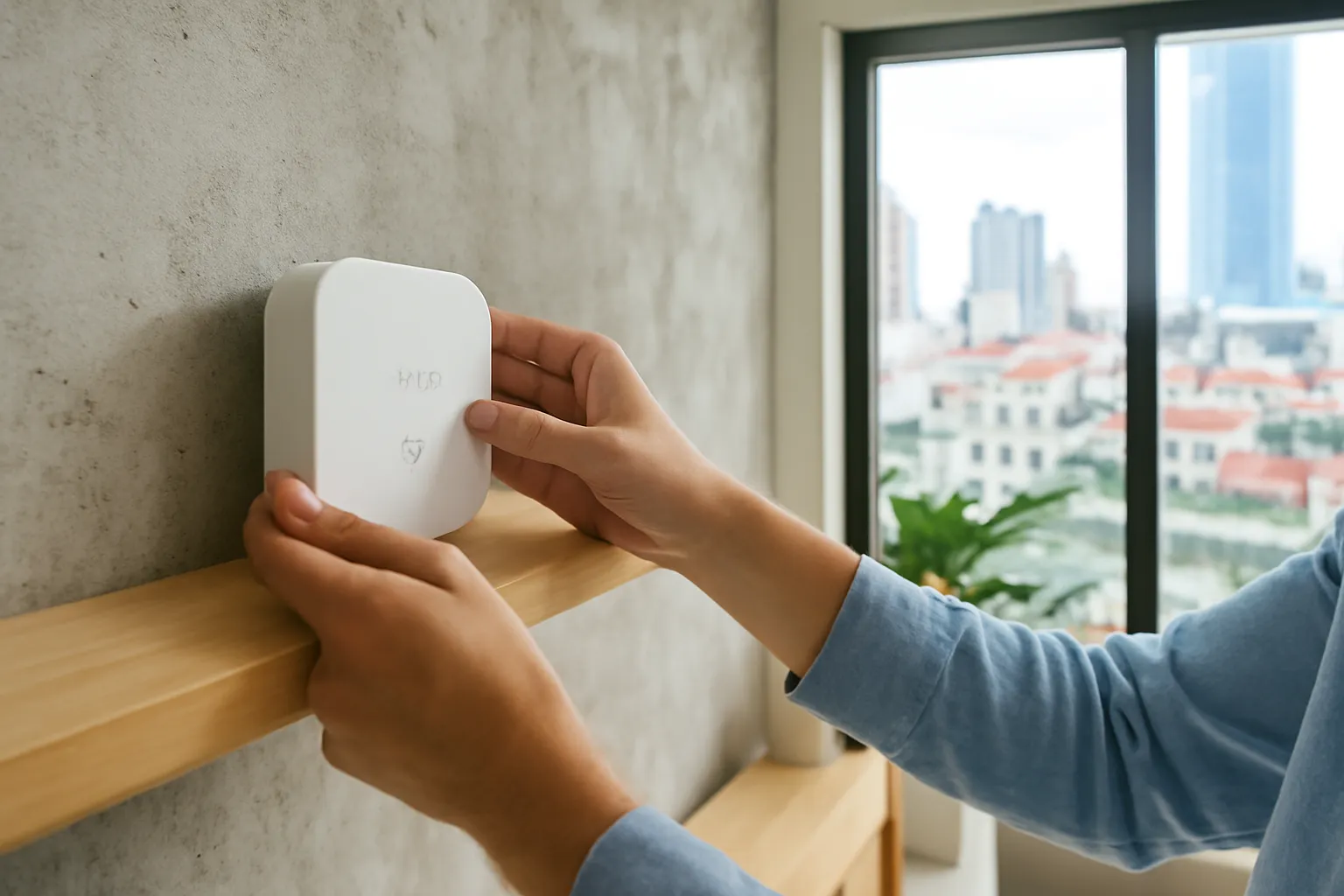
To plan a smart home from scratch, start with the handful of daily annoyances you want to remove, then build in this order: a solid network on every floor, one main app and ecosystem, lighting and key switches, safety sensors, climate control, and finally security. Do one phase at a time, live with it for a few weeks, and only then add more. Wiring changes and heavy appliances belong to a qualified electrician, ideally before walls are painted.
The homes that end up genuinely "smart" are rarely the ones with the most devices. They are the ones where three or four automations quietly remove friction every day, where the grandparents can still use the wall switch, and where nothing stops working when the internet drops during a storm. This guide is a planning framework for a Vietnamese apartment or townhouse, from the first conversation to the last sensor.
Start with problems, not gadgets
Ask every adult in the house a simple question: what small thing annoys you every day? The answers in Vietnamese homes tend to be practical. Someone always forgets to switch off the water heater. The air conditioner runs in an empty bedroom. Nobody is sure whether the gate was locked. The west-facing room bakes every afternoon. Grandma climbs the stairs in the dark at night. The pump on the roof runs dry when the city water is weak.
Write these down and rank them. Each one suggests a specific automation: a timer or schedule on the water heater circuit, an occupancy-based rule for air conditioning, a door sensor that reports the gate's status, motorised curtains that close when the sun hits the west wall, motion-triggered night lights on the stairs, a water-level sensor that protects the pump.
This list becomes your plan. Anything that does not solve a problem on it can wait. That single rule protects you from the most expensive mistake in smart homes: buying impressive gadgets that nobody uses after the first week.
Include the people who will live with the system. Children quickly learn voice commands; older relatives often want nothing to change about how switches work. A plan that respects both will be used. A plan that forces everyone to open an app to turn on a light will be quietly bypassed.
Decide the backbone: network, ecosystem and hubs
Every smart device depends on the network. In a narrow multi-storey townhouse or a concrete apartment, one router rarely covers every room reliably. Before buying a single switch, make sure there is strong Wi-Fi on every floor, ideally with a mesh system or wired access points, and that a 2.4 GHz network is available for the many devices that need it.
Next, choose one main app and ecosystem that the household will live in. Mixing several brands, each with its own app, leads to scattered automations and confused family members. Products that support the Matter standard give you more freedom to change platforms later. Our comparison of Wi-Fi, Zigbee, Thread and Matter explains which connection suits which device.
If you plan many battery sensors, a Zigbee or Thread hub placed centrally will serve them better than Wi-Fi. Position it in the middle of the house, out of metal cabinets, and add mains-powered devices on the stairs to relay signals between floors.
Finally, decide whether you want automations to keep working without internet. Locally controlled systems and Matter devices are more resilient during outages, which matters in storm season and in areas with unreliable connections.
A room-by-room starting plan
A typical townhouse or apartment. Adapt to your own list of problems; skip anything that does not solve one.
| Room | Useful automations | Typical devices | Notes |
|---|---|---|---|
| Entrance and gate | Alert if gate left open at night; porch light at dusk | Door sensor, smart switch or relay for outdoor light | Outdoor devices need weather-rated enclosures |
| Living room | Evening scene; curtains close on hot afternoons | Smart switches, curtain motor, wireless scene button | Keep wall switches usable for guests and elders |
| Kitchen | Smoke and gas alerts; leak alert under the sink | Smoke, gas and water-leak sensors | Safety sensors are among the most valuable devices |
| Bedrooms | Air conditioner off when room is empty; gentle wake-up light | Presence sensor, infrared remote hub, smart bulbs | Avoid cameras in bedrooms |
| Stairs and corridors | Night lights on motion | Motion sensors, low-level lights | A practical fall-prevention step |
| Bathroom | Water heater on schedule; exhaust fan after showers | Heavy-duty relay for the heater, humidity sensor | Heater control must be rated for the load and installed by an electrician |
| Roof and utility | Pump protection; tank level alerts | Water-level sensor, motor-rated relay | Check pump start-up current |
| Home office | Power down chargers and monitors at night | Smart plugs within rating | Simple and effective for energy waste |
A phased rollout that does not overwhelm the family
Each phase should be finished, tested and lived with for a few weeks before the next starts.
- Phase 0: network. Fix Wi-Fi coverage on every floor and set up a separate network for smart devices if your router allows it.
- Phase 1: lighting and key switches. Replace the most-used switches first, with an electrician checking neutral wires and loads. Add one or two scenes.
- Phase 2: safety sensors. Smoke, gas and water-leak sensors, plus door sensors on the main entrances. Set alerts to the right family members.
- Phase 3: comfort and energy. Curtains, air conditioner control, water heater scheduling, and smart plugs for standby waste.
- Phase 4: security. Cameras at entrances only, set up with strong passwords, two-factor login and a separate network.
- Phase 5: review. Remove automations nobody uses, fix those that misfire, and write a one-page guide for the household.
Spreading the work across phases also spreads the cost and lets you learn which brands and devices behave well in your home before committing to many of them.
Budget priorities without wasting money
Spend first on the network and the electrician. Reliable Wi-Fi and safe wiring make every later device work better. Cheap here means frustration everywhere else.
Prefer fewer, better devices. One well-placed presence sensor that controls lights and air conditioning is worth more than five gadgets that do one thing each.
Check for subscriptions. Some cameras, hubs and features need monthly fees. Add them to the real cost before buying.
Look for local warranty and support. A device that fails after a year is cheaper to replace if a local dealer honours the warranty.
Avoid novelty gadgets early. Smart pet feeders, voice-controlled mirrors and similar items can wait until the basics work.
Plan wiring during renovations. Running neutral wires and network cables while walls are open costs far less than retrofitting later.
Keep a simple inventory. Device, location, connection, account and purchase date. It saves time and money when something breaks.
Compare energy savings honestly. Automations reduce waste, but savings depend on your habits. Treat them as a bonus, not as the reason to buy.
A realistic example: a four-storey townhouse in Da Nang
Picture a family of five in a narrow four-storey townhouse: two parents, two school-age children and a grandmother on the ground floor. Their list of annoyances: the water heater left on all day, air conditioners running in empty rooms, the grandmother using the stairs at night in the dark, and the rooftop pump occasionally running dry.
They start with the network. A single router on the ground floor barely reaches the third floor, so they add a mesh unit on each floor, linked by cable during a planned repaint. Then an electrician checks the switch boxes: the newer upper floors have neutral wires, the older ground floor does not. They choose switches accordingly and fit a bypass where the grandmother's LED lights flicker.
Phase two adds motion-triggered night lights on every landing, a door sensor on the gate and smoke sensors in the kitchen. The grandmother keeps her normal wall switches; nothing about her routine changes except that the stairs are no longer dark. Phase three puts the water heater on a schedule through a heavy-duty relay in the electrical board and adds presence sensors to switch off bedroom air conditioners.
After two months, the family drops one automation that kept closing the living-room curtains at the wrong time and adds a water-level alert for the roof tank. The children use voice commands; the grandmother never opens the app. Both count as success.
Common mistakes when building a smart home
Buying devices before fixing the network. Unstable Wi-Fi makes even good devices look broken.
Mixing too many brands and apps. Automations end up scattered, and family members never know which app controls what.
Removing physical switches. When the internet or a hub fails, people need a switch on the wall. Keep it.
Underrating heavy loads. Water heaters, pumps and air conditioners need properly rated equipment. Undersized switches overheat, as our guide to smart switches in Vietnamese homes explains.
Automating everything at once. Too many rules at the start produce strange behaviour that is hard to trace. Add them one by one.
Ignoring privacy. Cameras in bedrooms, shared family logins and voice assistants in every room collect more than most families want.
Forgetting maintenance. Sensor batteries, firmware updates and account security need occasional attention. Assign someone to it.
Designing for the enthusiast only. If only one person understands the system, the house becomes harder to live in when they are away.
Security and privacy for the whole home
A smart home is a small network of computers, and it deserves the same care as a laptop. Use a strong, unique password and two-factor login on the main smart home account. Keep router firmware updated. If your router can create a separate network for smart devices, use it, so that a weak device cannot easily reach your computers.
Give each family member their own access through the app's sharing feature rather than sharing one login. When someone moves out, or a technician finishes work, remove their access. Check login alerts occasionally.
Think about what is recorded. Door and motion sensors reveal routines; cameras and microphones reveal much more. Place cameras at entrances, not in private rooms, and point them at your own property. Review the privacy settings of voice assistants, and mute them in rooms where conversations are sensitive.
Before selling the house or a device, remove everything from your account and reset devices to factory settings, so the next owner does not inherit your history or control.
When to call an electrician or other professionals
Call a qualified electrician for any work inside switch boxes and electrical boards, for heavy loads such as water heaters, pumps and air conditioners, for adding neutral wires, and for checking that residual current protection works. Electrical work done wrongly can cause shocks and fires that no app will warn you about.
In apartment buildings, talk to the management board before changing anything in shared areas, mounting outdoor devices on the façade or drilling into structural walls. Some buildings also have rules about altering electrical installations.
For larger projects, such as a full renovation or a villa, a professional smart home integrator can design the system as a whole. Ask for references, insist on documentation of everything installed, and make sure you, not only the integrator, hold the admin accounts. If you have home insurance, ask whether major electrical changes need to be declared.
Frequently asked questions
Where should I start with a smart home?
Start by fixing Wi-Fi coverage on every floor, then automate the one or two daily annoyances that bother the household most. Lighting and safety sensors are usually the best first steps.
Should I pick one brand for everything?
One main app and ecosystem makes life easier, but you do not need a single brand. Devices that support Matter can work across platforms and keep your options open.
Is it better to plan a smart home during renovation?
Yes. Running neutral wires and network cables while walls are open is much cheaper and cleaner than retrofitting later. Even if you buy devices later, prepare the wiring now.
Will a smart home work without internet?
Physical switches always work, and locally controlled systems or Matter devices often keep automations running. Cloud-dependent devices may stop responding until the connection returns.
How do I make the smart home easy for grandparents?
Keep wall switches working normally, add automations that need no action, such as night lights on motion, and avoid forcing anyone to use an app. A printed one-page guide helps too.
Do I need a professional installer?
For plug-in devices and sensors, many families manage alone. For wiring, heavy loads and whole-house systems, use a qualified electrician or integrator and keep the admin accounts in your own name.