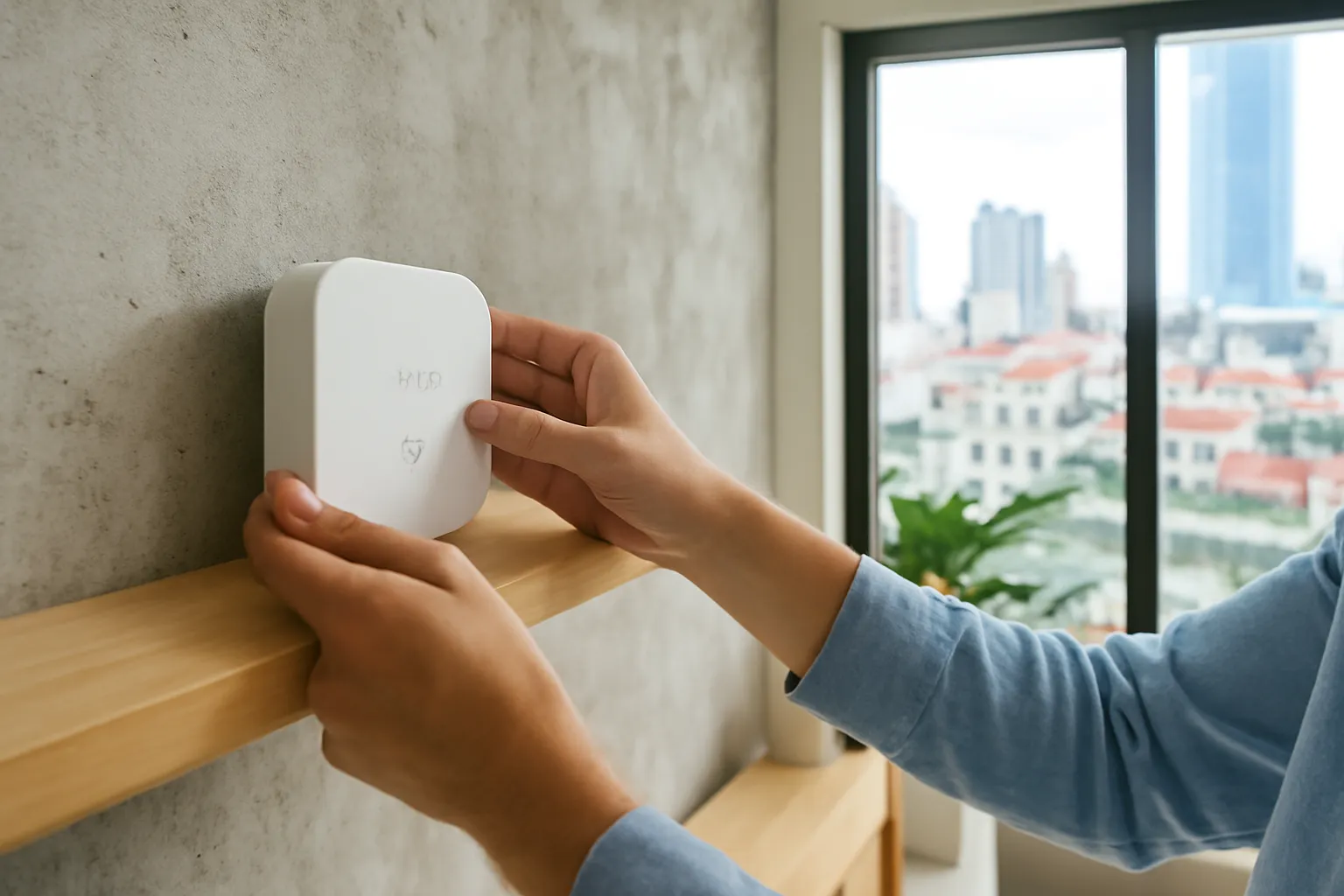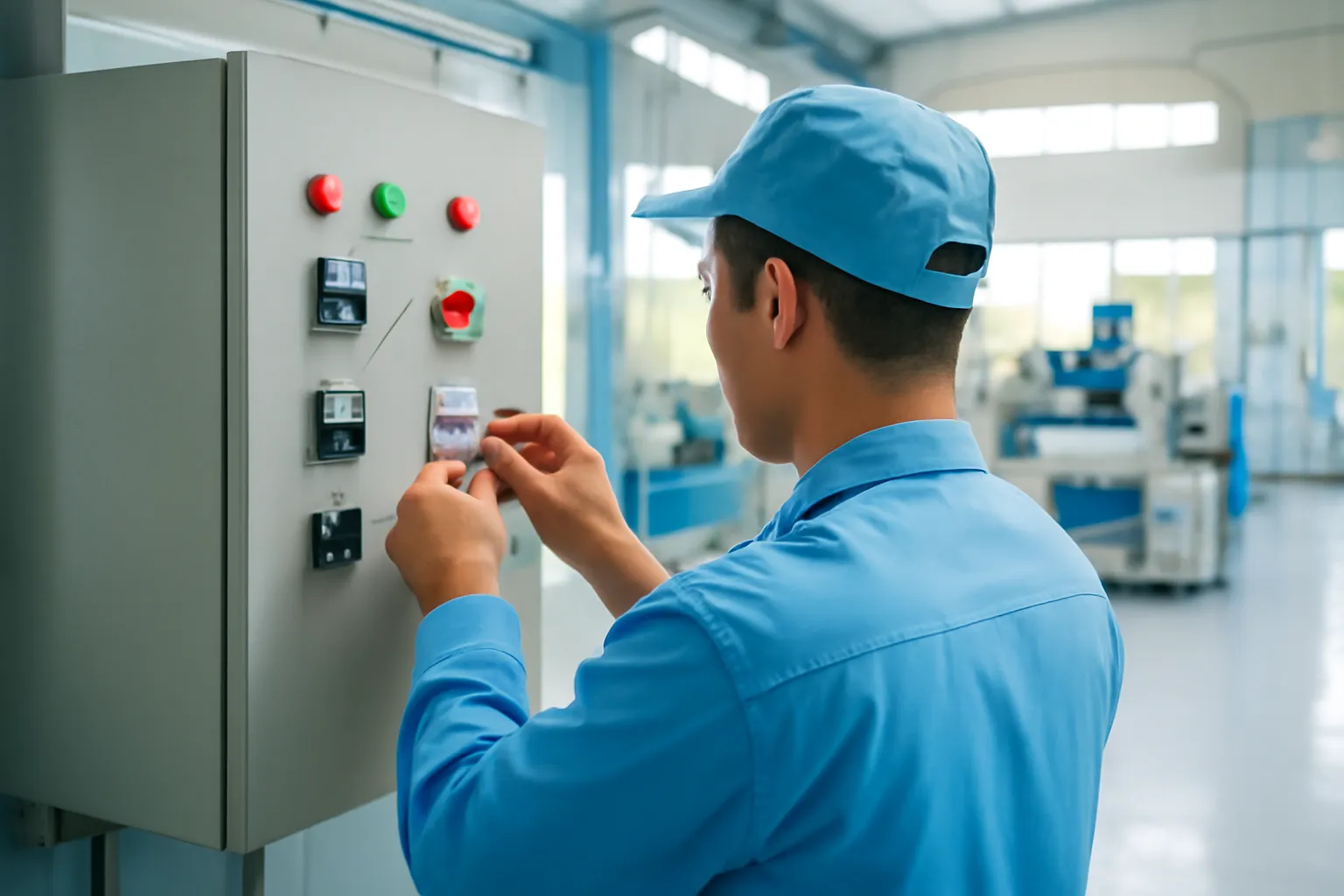
A small factory can monitor old machines without replacing them by clipping non-invasive sensors onto what already exists: current clamps on the power cable to see when a machine runs, idles or stops, vibration and temperature sensors on motors and bearings, and a counter on the output. An edge gateway on site collects the readings, keeps working during internet outages and feeds a simple dashboard. Start with three to five machines and one clear question, such as why output falls short on the night shift, before scaling.
For many workshops in the industrial zones around Ho Chi Minh City, Hanoi or Da Nang, "Industry 4.0" sounds like something for multinational plants with new equipment. In practice, the most valuable first step is cheap and modest: knowing, minute by minute, which machines are actually working. This guide walks through what to measure, how to connect it safely, how to involve the people on the floor, and the mistakes that sink most pilots.
What machine monitoring means for a small workshop
In a small plastic, metal, wood or garment workshop, owners usually know their output per shift but not why it varies. A machine that should run eight hours may actually produce for five. The other three hours disappear into waiting for material, changing moulds, small stoppages, a slow operator, a breakdown nobody logged, or a long lunch. Without data, every explanation is a guess, and the loudest guess tends to win.
Machine monitoring answers a narrow question very well: when was each machine running, idle or stopped, and for how long? Add a count of good parts, and you can calculate a widely used measure called overall equipment effectiveness, which combines availability, speed and quality into one number. More importantly, you can see patterns: a stamping press that always stops for twenty minutes after the shift change, a moulding machine that runs slower on hot afternoons, a compressor that cycles too often.
This is not about watching workers. Done properly, it is about finding the problems that workers already complain about, such as late material, poor maintenance or unclear schedules, and giving managers the evidence to fix them.
Monitoring also lays the groundwork for later steps, such as predictive maintenance or energy management. But those come after the basic question is answered and people trust the numbers.
Retrofitting old machines without touching their controls
Many workshop machines are older models with no network port, or have controllers the owner is not allowed to modify without voiding a warranty. The good news is that a lot can be learned from outside the machine.
A current clamp, a ring that closes around one power conductor, measures how much electricity the machine draws. A machine that is off, idling and cutting draws very different currents, so the pattern reveals its state without touching any control wiring. Installing clamps inside an electrical cabinet must be done by a qualified electrician with the power safely isolated.
Vibration sensors attached magnetically to a motor housing or gearbox can show when a machine is running and, over time, when a bearing begins to wear. Temperature sensors on motors, hydraulic units or moulds reveal overheating. A simple light sensor or a photoelectric switch can count parts passing a point, and some machines already have a stack light whose colours can be read by a sensor.
Where a machine does have a controller with a standard industrial interface, such as Modbus or OPC UA, an integrator can read richer data directly. Ask the machine supplier first; some controllers expose data easily, others need licences or special cables.
Common monitoring use cases in small factories
Pick one or two rows that match your biggest problem. Trying all of them at once is the fastest way to stall.
| Goal | Typical sensors | What you learn | Pitfall |
|---|---|---|---|
| Know when machines run | Current clamps or stack light readers | Run, idle and stop time per machine and shift | Thresholds must be tuned per machine; idle and light cutting can look similar |
| Count output | Photoelectric counters, machine cycle signals | Parts per hour, speed losses | Counting rejects as good parts inflates results |
| Catch wear early | Vibration and temperature sensors | Changes in bearings, motors and gearboxes over weeks | Needs a baseline and someone who acts on alerts |
| Cut energy waste | Energy meters on main feeders and big machines | Standby consumption, peak loads, compressed-air leaks | Savings need follow-up action, not just graphs |
| Protect quality | Temperature and humidity in curing, drying or storage areas | Conditions that correlate with defects | Sensors in harsh areas need cleaning and calibration |
| Track downtime reasons | A tablet or buttons at the machine for operators | Why a machine stopped, not just that it stopped | Too many reason codes, or no follow-up, and operators stop entering them |
Edge gateways: where the data goes first
Sensors in a workshop usually report to a small computer on site, called an edge gateway. It collects readings over wired connections, Wi-Fi or low-power radio, cleans them up, stores them locally and forwards summaries to a dashboard, either on a local server or in the cloud. This is what "edge computing" means in practice: doing the first processing close to the machines.
The gateway matters because factory internet connections are rarely perfect. If the link drops, the gateway keeps recording and sends data later, so you do not lose a night shift of history. It also reduces the amount of data sent, since one summary per minute is often enough for decisions.
Choose gateways and sensors that use common standards rather than a single vendor's closed format. If the supplier disappears, you want to be able to read your own data with other tools. Ask explicitly how to export everything in a standard file format.
Place the gateway in a protected spot, away from heat, dust, oil mist and water, with a stable power supply, ideally on a small backup power unit. Industrial environments are harsh, a lesson also familiar from sensor projects on farms and shrimp ponds, where cleaning and calibration decide whether readings stay trustworthy.
Running a pilot that actually leads somewhere
A focused pilot on a few machines over several weeks gives you evidence for the decision to scale, or to stop.
- Write the business question. For example: why does line 2 produce noticeably less on the night shift than on the day shift?
- Pick three to five machines. Choose ones linked to the question, including at least one known "problem" machine and one considered reliable.
- Record a manual baseline. For a week before installation, note output and major stoppages by hand, so you can compare.
- Install sensors with a qualified electrician. Clamps inside cabinets, sensors on motors and a gateway in a safe spot. Label everything.
- Tune thresholds with operators. Ask operators to confirm when the dashboard shows "running" or "idle" correctly, and adjust until it matches reality.
- Add simple downtime reasons. Five to eight reasons at most, entered with a button or tablet at the machine.
- Review weekly with supervisors and operators. Look at the biggest losses, agree on one action, and check next week whether it helped.
- Decide with evidence. After the pilot, compare against the baseline. Scale only if the data led to actions that improved output, quality or cost.
Security basics for factory networks
Keep machine networks separate from office networks. A compromised office laptop should not be able to reach machine controllers or gateways. The same principle applies at home, as our guide to securing home cameras explains for smart devices.
Change every default password. Gateways, routers, sensors and dashboards often ship with known defaults. Change them before connecting anything.
Control remote access. Vendors may want permanent remote access for support. Grant it only when needed, through a controlled method, and log who connected.
Update firmware on a schedule. Plan updates during maintenance windows and test on one device before rolling out.
Restrict USB drives. Infected USB drives remain a common way malware reaches machines that are not connected to the internet.
Back up configurations. Keep copies of gateway settings, dashboards and machine programs offline, so you can recover after a failure or attack.
Know who owns which account. Admin accounts should belong to the company, not to an individual employee or an integrator who may leave.
Plan for ransomware. Decide in advance how production continues if office systems are locked, and practise restoring from backups.
The people side: monitoring without mistrust
The fastest way to kill a monitoring project is to introduce it as a tool for catching slow workers. Operators will find ways around it, enter wrong reasons or simply resent it, and the data becomes worthless.
Explain the purpose openly before installing anything: to find where time and material are lost, most of which is outside an operator's control. Share the dashboards on the shop floor, not only in the office. Ask operators what slows them down; they usually know, and the data will often prove them right.
Act visibly on what the data shows. If monitoring reveals that machines wait for material after every shift change, fix the material flow and tell people that their input led to the change. Trust grows when data leads to help rather than blame.
Be careful with personal data. Monitoring machines is different from monitoring individuals. If dashboards connect output to named operators, consider the privacy and labour implications and seek advice on current rules before doing so.
A realistic example: a plastic moulding workshop
Imagine a workshop with a dozen injection moulding machines in an industrial area on the outskirts of Ho Chi Minh City. The owner knows output falls short of plan most weeks, but supervisors blame material, maintenance blames old machines and operators blame mould changes.
The pilot covers four machines. An electrician installs current clamps in their cabinets and a gateway in the office corner with a small backup power unit. Operators get a tablet with six large buttons for stop reasons. For the first week, supervisors and operators sit together each morning to check that the dashboard matches what happened.
After a month, the picture is clear. Mould changes take far longer on the night shift because the one experienced setter works days. Two machines show long idle periods waiting for dried resin. One machine draws power in a strange pattern that maintenance traces to a failing heater band. None of these is a technology problem.
The owner adjusts shift assignments, adds a second resin dryer and replaces the heater band. Output improves, the team trusts the data because it led to fixes they had wanted for years, and only then does the owner decide to extend monitoring to the remaining machines.
Common mistakes that sink factory IoT projects
Starting with a platform instead of a question. Buying a big software package before knowing what you need to learn leads to dashboards nobody uses.
Monitoring every machine at once. Problems with sensors, thresholds and people multiply. Start small and learn.
Skipping the electrician. Opening machine cabinets without proper isolation risks injury and damage. Installation inside panels is not a job for an untrained technician.
Ignoring operators. Without their input, thresholds are wrong and downtime reasons are meaningless.
No owner for the data. If no supervisor reviews the numbers weekly and acts on them, nothing changes.
Locked-in vendors. Proprietary formats and cloud-only dashboards make it hard to leave or add other tools later.
Forgetting maintenance of the system itself. Sensors shift, clamps loosen, batteries die. Schedule checks as you would for any equipment.
Expecting AI to fix things on day one. Predictive maintenance needs months of clean data and a baseline. Get the basics working first.
When to bring in experts
Use a qualified industrial electrician for any installation inside electrical cabinets and for checking that monitoring equipment does not interfere with machine safety circuits. Never bypass or tap into emergency-stop or safety interlocks.
Talk to the machine manufacturer or its local agent before connecting to a controller; unauthorised changes can void warranties or cause unpredictable behaviour. For anything beyond simple clip-on sensors, an experienced system integrator can save months of trial and error. Ask for references from similar-sized factories and visit one if possible.
For network security, especially if you plan remote access or cloud dashboards, get an independent review of the design. If you suspect a cyber incident affecting production, isolate affected systems, contact your IT or security provider immediately and report to the relevant authorities. For questions about monitoring and personal data, seek advice on current regulations before linking machine data to individual workers.
Frequently asked questions
Can I monitor old machines without a network port?
Yes. Clip-on current clamps, vibration and temperature sensors and simple counters reveal running state and output without touching controls. Installation inside electrical cabinets must be done by a qualified electrician.
What is OEE?
Overall equipment effectiveness combines availability, performance and quality into one measure of how much good output a machine produces compared with its potential. It is useful for spotting where losses come from.
Do I need cloud software for machine monitoring?
Not necessarily. An edge gateway with a local dashboard can be enough for a small factory, and it keeps working during internet outages. Cloud tools help with remote access but need careful security.
How many machines should a pilot cover?
Three to five machines linked to one clear question is usually enough to learn whether the data leads to useful action. Expand only after the pilot shows real improvements.
Will workers object to machine monitoring?
They may, if it is presented as surveillance. Explaining the purpose, sharing dashboards and acting on problems operators raise usually turns them into the project's strongest supporters.
Is predictive maintenance realistic for a small factory?
It can be, for critical motors and bearings, but it needs months of clean vibration and temperature data and someone who acts on alerts. Start with basic monitoring and add it once the foundations are solid.