Two-factor authentication adds a second proof after your password, and the methods differ a lot in strength. From weakest to strongest: SMS codes, codes from an authenticator app, push notifications with number matching, and phishing-resistant methods such as passkeys or hardware security keys. Any second factor is much better than none, but codes that you can read out or type can still be stolen by a convincing scam.
For most people the practical setup is an authenticator app or passkey on email and social accounts, the bank's own in-app confirmation for banking, and saved backup codes for every account. The single most important habit is never giving a verification code to anyone, whoever they claim to be.
Why a second factor matters, and why not all are equal
Passwords leak constantly: through data breaches at websites, through reuse across services, through fake login pages. A second factor means a stolen password alone is not enough. For the large majority of automated attacks, which simply try leaked passwords against many accounts, that is enough to stop them.
The second factor is usually "something you have", such as your phone or a security key, added to "something you know", your password. The difference between methods lies in how easily an attacker can get or relay that second thing.
The key idea is this: if the second factor is a code that a human reads and types, a scammer can ask the human for it. A fake website can request the code right after the password and use it within seconds. A caller pretending to be from the bank, a delivery company or a government office can ask you to "read the code we just sent to confirm". The method is still strong against remote guessing but weak against persuasion.
Phishing-resistant methods remove the human from that loop. With a passkey or security key, the browser checks the website address automatically, and there is no code to read out. That is why security teams treat them as a different class.
The main methods side by side
Strength here means resistance to the attacks ordinary people actually face, not theoretical security.
| Method | How it works | Main weakness | Good for |
|---|---|---|---|
| SMS code | A one-time code is texted to your phone number | SIM swap, interception, and scams that ask you to read the code | Accounts that offer nothing better |
| Email code | A code or link is sent to your email | Only as safe as your email account | Low-value accounts |
| Authenticator app | An app generates a new code every short interval from a shared secret | You can still be tricked into typing the code on a fake site | Most personal accounts |
| Push prompt | You approve a sign-in notification on your phone | Repeated prompts can pressure tired users into tapping approve | Work accounts, best with number matching |
| Passkey | Device signs a challenge after fingerprint, face or PIN | Depends on device screen lock and account recovery | Email, social, shopping, work |
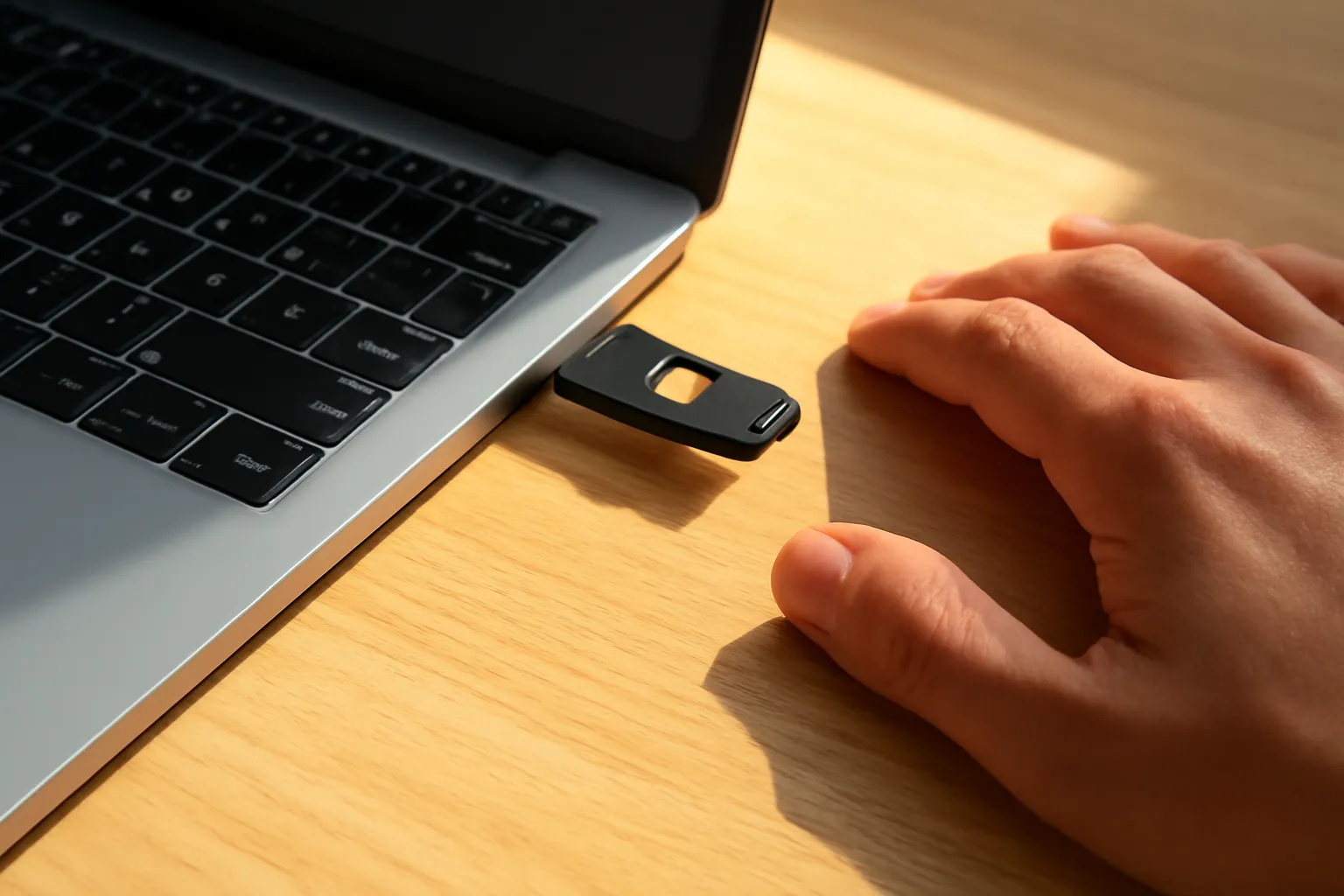
| Hardware security key | Physical key you touch to confirm, checks the website address | Can be lost; register two keys | Administrators, high-value accounts |
Banks often use their own methods, such as confirmation inside the banking app with biometrics. Those follow the bank's design and rules; use what your bank provides and keep the app updated.
How scammers get around second factors
Real-time fake login pages. The page forwards your password and code to the real site instantly. Only phishing-resistant methods stop this reliably.
Phone calls asking for "the code we just sent". No genuine bank, courier or office needs you to read out a verification code. Any request to do so is a scam.
SIM swap. An attacker persuades or bribes their way into moving your phone number to a new SIM, then receives your SMS codes. Sudden loss of mobile signal can be a warning sign.
Prompt bombing. Attackers who have your password trigger many push prompts, often at night, hoping you tap approve to make it stop. Never approve a sign-in you did not start.
Malicious apps with access to messages or screen. Fake apps installed from links can read SMS codes or watch the screen. Install apps only from official stores.
Weak recovery paths. If an account can be recovered through SMS alone, attackers may target recovery instead of sign-in.
Stolen session cookies. Malware on a computer can steal an already signed-in session, bypassing sign-in entirely. Keeping devices clean matters as much as the factor.
A sensible setup for an ordinary person
You do not need the strongest method everywhere. Match the method to the account.
- Start with your main email account. It can reset almost everything else. Use a passkey or authenticator app, not SMS, if available.
- Protect the account that syncs your phone and passwords. Losing it means losing access to many other accounts at once.
- Add a second factor to social media and messaging accounts. Hijacked chat and social accounts are used to scam your friends and family.
- Save backup codes for every account. Print them or store them in a password manager, not in a photo in your phone gallery.
- Register a second device or key where possible. This saves you when a phone breaks or is lost.
- Check recovery options. Remove old phone numbers and email addresses you no longer control.
For banking, follow the bank's official app setup, and turn on transaction notifications so you see any unexpected movement immediately.
When something goes wrong
If you gave a code to someone and then realised it was a scam, act immediately. For a bank, call the bank's official hotline from the number printed on your card or the official app, not a number from a message, and ask them to lock the account. Then report the incident to the police.
For an email or social account, sign in from a trusted device, change the password, sign out all other sessions, check recovery details and connected apps, and warn contacts who may receive messages from the hijacked account.
If you approved a push prompt by mistake, treat it the same way: the attacker has your password and now possibly a session. Change the password at once and review recent activity.
Do not let embarrassment slow you down. These scams are built by professionals to work on intelligent, careful people, and minutes matter.
Frequently asked questions
Is SMS two-factor authentication still worth using?
Yes, if nothing better is offered. It stops most automated attacks using leaked passwords. Switch to an app, passkey or key when the service allows it.
What if I lose the phone with my authenticator app?
Use your saved backup codes or a second registered device to sign in, then set up the app again on a new phone. Some authenticator apps offer encrypted backup; turn it on.
What is number matching in push notifications?
The sign-in screen shows a number and you must type it into the prompt on your phone. This prevents approving a request you did not start just by tapping.
Do I need a hardware security key?
Most people do not, especially if they use passkeys. Keys are valuable for administrators, public figures, journalists and anyone likely to be targeted. If you buy one, register two.
Why do scammers ask me to read an OTP code?
Because the code is the last thing they need to complete a sign-in or transaction they have already started. Whoever asks, refuse and hang up.
Can someone take my phone number?
It is possible through SIM swap fraud. If your phone suddenly loses service for no reason, contact your mobile operator at once from another phone, and avoid relying on SMS for important accounts.